When charging rechargeable batteries (taking common models AA and AAA batteries as examples), it is important to choose the right charger and operate it according to specifications. This can not only protect the battery and extend its lifespan, but also avoid safety hazards. Below are four points to explain the precautions during the charging process, and the differences in details of rechargeable battery types (such as nickel hydrogen and zinc nickel) will also be specifically explained.
Choose the right charger
The charger and battery must be matched, and misuse may cause issues such as battery swelling, leakage, inability to charge, and even damage to the device.
Matching battery models: For battery size AA, a charger that supports size AA should be used, and for battery size AAA, a charger that supports size AAA should be used. Although most chargers on the market are universal size AA/AAA chargers, attention should also be paid when choosing. And the charger will have a corresponding card slot, just insert it according to the label, do not forcefully insert the AAA battery into the AA card slot (it will cause poor contact).
Distinguishing battery types: Different types of batteries may not be compatible with chargers due to varying voltages.
NiMH batteries (common rechargeable models): Use a nickel hydrogen battery specific charger, do not use models with high fast charging power, to avoid overcharging or battery heating.
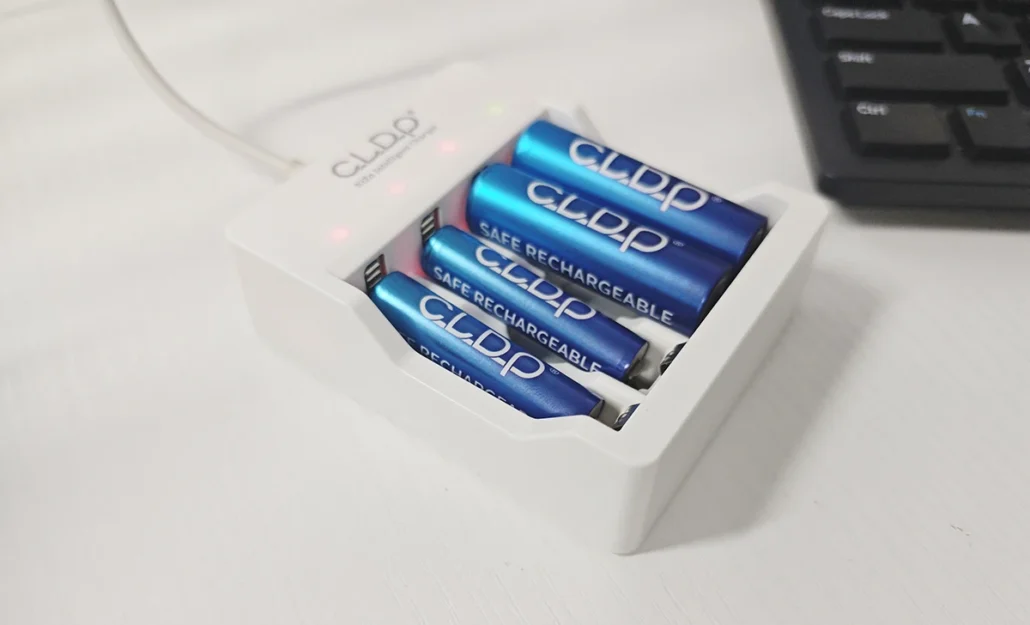
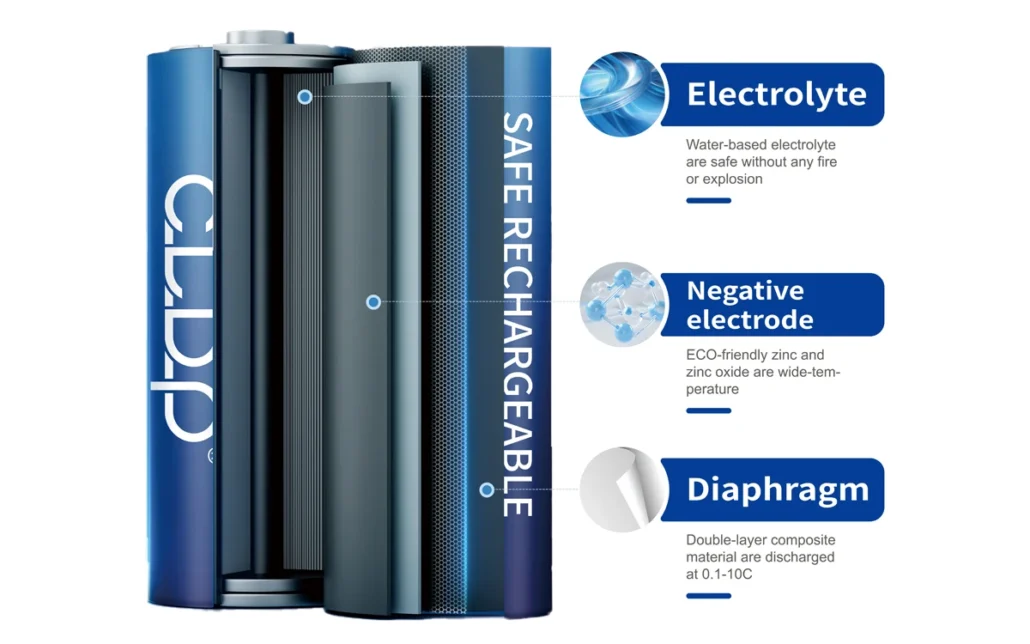
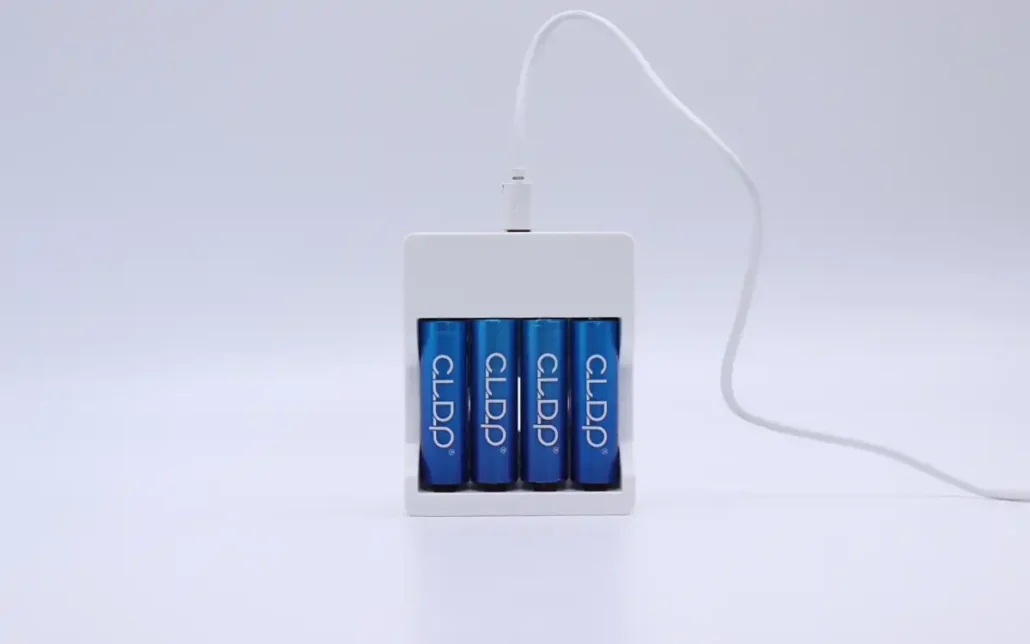
Zinc nickel battery: A zinc nickel dedicated charger should be used. If a nickel hydrogen charger is used, there may be a situation where it cannot charge and even damage the battery. If it is a USB direct charging model, it can be charged using a USB interface (phone charger, power bank, computer USB port are all available), without the need for an additional dedicated charger. After plugging in, check the battery indicator light.
USB lithium battery: can be charged using mobile phone chargers, power banks, etc.
Before charging, check first
Checking before charging can prevent malfunctions caused by battery problems, and the inspection may only take a few seconds:
Check the appearance of the battery: If the battery has bulges, leakage, or damaged outer shell (such as deformed metal shell), it must not be charged and should be discarded directly as “hazardous waste”. Leaking batteries will corrode the charger.
Clean the electrodes: the positive and negative electrodes of the battery. If there is dust or oil, wipe them clean with a dry cloth before charging. Poor contact can cause slow charging, insufficient charging, and even overheating of the charger.
Confirm battery status: Rechargeable batteries should not be overcharged after excessive discharge (such as when the device is completely turned off or the battery is completely dead), especially nickel hydrogen batteries. Long term storage and recharging after being completely dead can easily lead to “battery depletion” and require disposal. It is recommended to charge when the battery is 20% -30% full.
Standardize charging, remember ‘3 don’t’
The operation during the charging process directly affects the battery life and safety, and these three taboos must be avoided:
Do not overcharge: After being fully charged, unplug the charger in a timely manner. For example, NiMH batteries are usually charged for 6-8 hours (see charger instructions for details). Zinc nickel batteries turn green after being fully charged, and can be recharged within 1 hour (the zinc nickel battery charger of CLDP will power off after 9 hours). Long term overcharging will cause the battery to bulge and shorten its lifespan.
Do not mix charging: Do not charge batteries of different types (NiMH and zinc nickel) and different levels of age together, such as mixing new NiMH batteries and old NiMH batteries. Old batteries will slow down the charging speed of new batteries and may also cause new batteries to not be fully charged.
Do not charge in a bad environment: Do not place the charger in a high temperature area (such as near a heater or on a windowsill with direct sunlight), and do not use a damaged charger (such as a cracked power cord). High temperatures can cause the battery to heat up, and damaged chargers pose a risk of leakage.
2 common questions
Don’t panic when encountering these two situations, just follow the corresponding methods to handle them:
Heating of battery/charger during charging: If it is only slightly warm (not hot to the touch), it is a normal phenomenon; If the temperature is very high (painful to touch), immediately unplug the charger, check if the battery is misplaced, if the charger is compatible, and do not use the faulty battery or charger again.
Fast use after charging: First check if the charger is not fully charged (try changing the charger). If it is confirmed to be fully charged and still used quickly, it may be that the battery life has expired (rechargeable batteries may experience a decrease in lifespan over time). Simply replace the battery with a new one.